
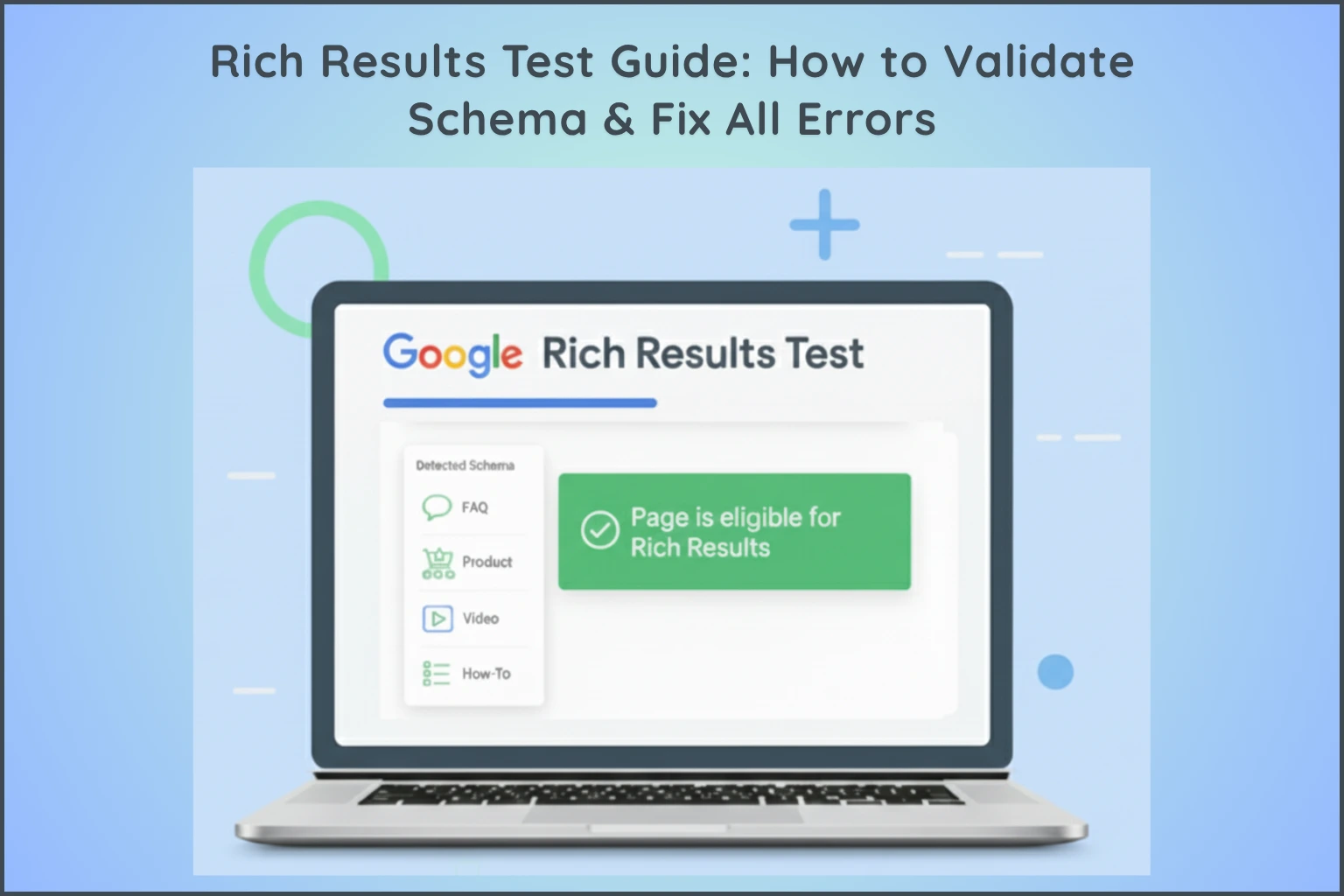
If you use structured data (Schema Markup) on your website, validating it is absolutely essential. Even a small error—like a missing field or incorrect date format—can stop your rich results from appearing on Google. This is why the Google Rich Results Test is a must-use tool for every blogger, marketer, and website owner.
In this guide, you’ll learn exactly how to validate Schema, how to troubleshoot issues, and how to ensure that your structured data is fully eligible for rich results. You’ll also find internal links to powerful tools on Digital Smart Guide, including:
- HowTo Schema Generator Tool
- Product Schema Generator
- Free Event Schema Generator Tool
- Blog Post Schema Generator
- Video Schema Generator
- FAQ Schema Generator
Let’s get started.
- Why Rich Results Validation Is Non-Negotiable
- How to Use Google’s Rich Results Test
- Top 5 Common Issues & How to Fix Them
- Pro Tips to Ensure 100% Schema Accuracy
- Benefits of Using the Rich Results Test
- Google Rich Results Test vs. Schema.org Validator: Which Should You Use?
- FAQs About the Rich Results Test
- Conclusion
Why Rich Results Validation Is Non-Negotiable
Adding Schema Markup is only half the work. If Google cannot read or validate your structured data, it will not display rich snippets, even if the code looks “correct” to you.
The Rich Results Test is essential because it provides:
1. Instant Eligibility Check
It tells you whether the structured data on your page qualifies for rich results like FAQ dropdowns, product ratings, video previews, or HowTo steps.
2. Error Detection
It highlights exactly what is broken—whether it’s a missing property, a wrong format, or mismatched data.
3. Faster Troubleshooting
Instead of waiting weeks for Google to crawl the page, you can identify issues instantly.
4. Compliance With Google Policies
The tool warns you if the structured data does not match visible content, which is one of the most common reasons websites lose rich snippets.
Simply put:
Validating Schema = Protecting your eligibility for rich results.

Audit Example: How Fixing a Single Schema Error Restored CTR
During an audit of a client’s e-commerce page, the product rich snippets suddenly vanished from Google search results, causing a 22% dip in organic click-through rate.
Running the live URL through Google’s Rich Results Test revealed an “Eligible With Warnings” status, which turned into an explicit error due to a broken plugin update:
- The Flaw: The
priceValidUntilfield had defaulted to a past date (2024-12-31). - The Fix: We updated the dynamic string in the JSON-LD header to extend 365 days into the future and purged the site cache.
- The Outcome: Within 48 hours of re-indexing, the star ratings and price snippets reappeared in search results, restoring the lost CTR. This proves that even subtle date warnings can compromise snippet performance.
Combining valid structured data with proper on-page elements is essential for ranking. Read our full checklist on On-Page SEO Techniques.
How to Use Google’s Rich Results Test
Using the tool is quick, straightforward, and requires no login.
Step 1: Open the Rich Results Test
Search “Google Rich Results Test” or visit the official page.
Step 2: Choose Your Input Method
You can test your Schema using:
1. URL Mode (Recommended for Live Pages)
Paste the full URL of your published article, product page, or tool page.
2. Code Mode (Ideal for Drafts)
If you’re generating Schema using tools such as:
- HowTo Schema Generator
- Product Schema Generator
- Event Schema Generator
- Blog Post Schema Generator
- Video Schema Generator
simply paste the resulting JSON-LD code directly into the ‘Code’ tab.”
Step 3: Run the Test
Choose Smartphone or Desktop bot, then click Run Test.
Step 4: Interpret Results
You’ll receive one of three outcomes:
1. Eligible for Rich Results (Perfect!)
Your Schema is valid and can generate rich results.
2. Eligible With Warnings
Your Schema works, but some optional properties are missing. These do not block rich results but may limit display quality.
3. Not Eligible (Errors Found)
Your structured data contains errors and must be fixed immediately.
To help you understand what your test findings mean for your website, the following table outlines the three possible outcomes of the Rich Results Test and what actions you should take:
| Test Outcome | What It Means | Required Action |
|---|---|---|
| 1. Eligible for Rich Results | Your Schema is valid and fully qualifies for rich snippets. | None — your code is ready to go live. |
| 2. Eligible With Warnings | Your structured data works, but some optional properties are missing. | Optional; fix them to improve display quality and completeness. |
| 3. Not Eligible (Errors Found) | Your structured data contains critical errors blocking eligibility. | Fix the highlighted line immediately before publishing. |
Pro Tip: If you encounter errors, the tool will highlight the specific line in your code that needs correction, making it easy to troubleshoot and fix.
If you encounter duplicate markup warnings while testing, verify your canonical setup using our complete guide on Canonical URLs and Duplicate Content.
Top 5 Common Issues & How to Fix Them
Even skilled SEOs run into these issues. Fortunately, the fixes are simple when you understand what they mean.
1. “Missing required field ‘name’”
Cause:
A mandatory property like title, product name or event name is missing.
Fix:
Add all required fields using a proper Schema Generator.
2. “Invalid value type for field ‘url’”
Cause:
The URL is not a full link.
Fix:
Use absolute URLs beginning with:https://
3. “A price input is needed before you can generate the schema.”
Cause:
Common in Product & Offer Schema.
Fix:
Add both:
"price": "99.00""priceCurrency": "USD"(or INR, EUR, etc.)
4. “Your schema information and page content are not aligned.”
Cause:
What the Schema says does not match the visible page text.
Fix:
Ensure consistency in:
- Product names
- Ratings
- Prices
- Dates
- Descriptions
Google takes this seriously—mismatches can lead to manual actions.
5. “‘…’ is not a valid date/time value”
Cause:
Incorrect date format for Event, BlogPost, VideoSchema, or HowTo.
Fix:
Use ISO format:2025-12-01T09:00:00+05:30
Syntax Deep Dive: ISO Date Formatting Error vs. Correct JSON-LD
- Incorrect Format (Causes Validation Error):
JSON
"datePublished": "12/01/2026",
"dateModified": "2026-09-23 04:50 PM"
- Correct ISO 8601 Format (Validates Instantly):
JSON
"datePublished": "2026-12-01T09:00:00+05:30",
"dateModified": "2026-09-23T16:50:00+05:30"
Always ensure your date string contains the full year, month, day and time zone offset to pass schema validation without warnings.
To help you quickly troubleshoot and resolve code problems, the following table summarizes common Schema errors, their causes and how to fix them:
| Common Schema Issue | Root Cause | How to Fix It |
|---|---|---|
| “Missing required field ‘name’” | A mandatory property (title, product, event name) is missing. | Add all required fields using a reliable Schema Generator. |
| “Invalid value type for field ‘url’” | The URL formatting is incomplete or incorrect. | Use absolute URLs starting with https://. |
| “A price input is needed…” | Missing price parameters in Product or Offer Schema. | Include both “price” and “priceCurrency” fields. |
| “Schema info and page content are not aligned” | Schema data does not match the visible text on the page. | Ensure exact consistency in names, prices, dates, and ratings. |
| “…is not a valid date/time value” | Incorrect date formatting for events, blog posts, or videos. | Use proper ISO format (e.g., 2025-12-01T09:00:00+05:30). |
Pro Tips to Ensure 100% Schema Accuracy
1. Re-test Monthly
Themes and plugins can break Schema after updates.
2. Validate Before Publishing
Always test generated Schema using the Rich Results Test before adding it to WordPress.
3. Use “Validate Fix”
When editing code directly inside the tool, use this button to confirm corrections.
4. Optimize Warnings Too
Warnings are not errors—but improving them increases your chance of rich snippets.
5. Use Schema Generators for Best Accuracy
Your internal tools ensure clean JSON-LD output:
- Blog Post Schema Generator
- Video Schema Generator
- Product Schema Generator
- FAQ Schema Generator
- Free Event Schema Generator Tool
- HowTo Schema Generator Tool
Using these reduces the chance of error by 90%.
For pages where search engine crawlers are being blocked from reading your schema markup, review your directives using our guide on WordPress Robots.txt Optimization.
Benefits of Using the Rich Results Test
Using this tool offers strategic advantages beyond simple error checking:
- Improved search appearance: By fixing issues and clearing warnings, you directly increase your page’s eligibility to display attractive Rich Snippets (like stars and detailed listings), which drastically increases your click-through rate (CTR) in search results.
- Protects SEO Investment: Since the tool checks compliance with Google’s policies (like preventing data mismatches), consistent use shields your site from potential manual actions or penalties associated with misleading structured data.
- Future-Proofs Your Content: By addressing warnings (optional fields), you ensure your structured data is as complete as possible, preparing your page for any future display updates or new Rich Snippet features Google may release.
- Speeds Up Publishing Workflow: It replaces the slow, manual process of waiting for Google to crawl and index your page and then report errors later. You get instant feedback, allowing you to publish perfectly optimized pages quickly.
Who Should Use This Tool?”
- Bloggers
- SEO beginners
- Website owners
Google Rich Results Test vs. Schema.org Validator: Which Should You Use?
Many technical SEOs get confused between these two official validation tools:
- Google Rich Results Test: Specifically evaluates whether your structured data qualifies for Google-supported rich features (like FAQs, Product stars, and Video carousels). It ignores valid Schema.org types that Google does not render visually.
- Schema.org Validator: Validates your JSON-LD or Microdata against the entire raw Schema.org vocabulary. It checks for correct syntax structural integrity regardless of whether Google uses it in search results.
Best Practice: Use the Schema.org Validator during early development to catch structural coding errors, then use the Google Rich Results Test as your final step to confirm rich snippet eligibility on Google.
FAQs About the Rich Results Test
1. What is the difference between Rich Results Test and Google Search Console?
The Rich Results Test is a live tool that immediately checks a specific URL or code snippet for structured data errors and eligibility. Search Console’s Structured Data Report (found in the Enhancements section) shows historical data and aggregate performance for many pages that Google has already crawled.
2. Should I test the code before or after I publish the page?
You should always test the code before publishing the page using the “Code” tab in the tool. This prevents you from pushing broken or non-eligible code live, ensuring your page is optimized from the moment it is indexed.
3. If the tool says “Eligible,” will I definitely get a Rich Snippet?
The “Eligible” status means your code is technically correct and follows all guidelines. However, Google does not guarantee that Rich Snippets will always appear. Final display depends on various factors, including user intent, search feature competition, and overall site quality.
4. Does the Rich Results Test use live data?
Yes. Unlike some other tools, the Rich Results Test fetches the page live when you run the test, ensuring the results reflect the current state of your page’s structured data.
Conclusion
The Google Rich Results Test is not optional—it’s your final quality checkpoint before publishing any structured data. When used consistently, it ensures that your Schema is valid, readable, and fully eligible for enhanced search results.
By making this tool part of your workflow, whether you are targeting the global market or local clients in Digital Marketing in Mumbai, you’ll safeguard your SEO.
Try our free Schema Generator tools to create error-free structured data instantly.
Suggested Further Reading
- Your Google Business Profile Gets Views but No Sales? 5 Fixes That Turn Views into Real Customers
- Most Common Google Search Console Errors (404, Discovered and Crawled)
- Optimize WordPress Robots.txt for SEO (Complete Guide)
- Sitemaps vs. Robots.txt: Which One Controls Your SEO? (Guide)
- Canonical URL Explained: Fix Duplicate Content Issues
- Noindex vs Robots.txt vs Canonical: When to Use What?
- Video Schema Markup: Rank on Google Video Carousel Fast
- The Ideal Guide to Domain, Hosting and WordPress for Beginners
- Complete Guide to Google Business Profile and Local SEO Growth
✍️ About the Author
Digital Smart Guide is dedicated to simplifying SEO and digital marketing for beginners and professionals.
We share practical, easy-to-understand strategies based on real experience and ongoing learning from Google updates.
Disclaimer
This content is for informational purposes only. Results may vary based on your niche, competition, and implementation. Always apply strategies based on your specific needs.