
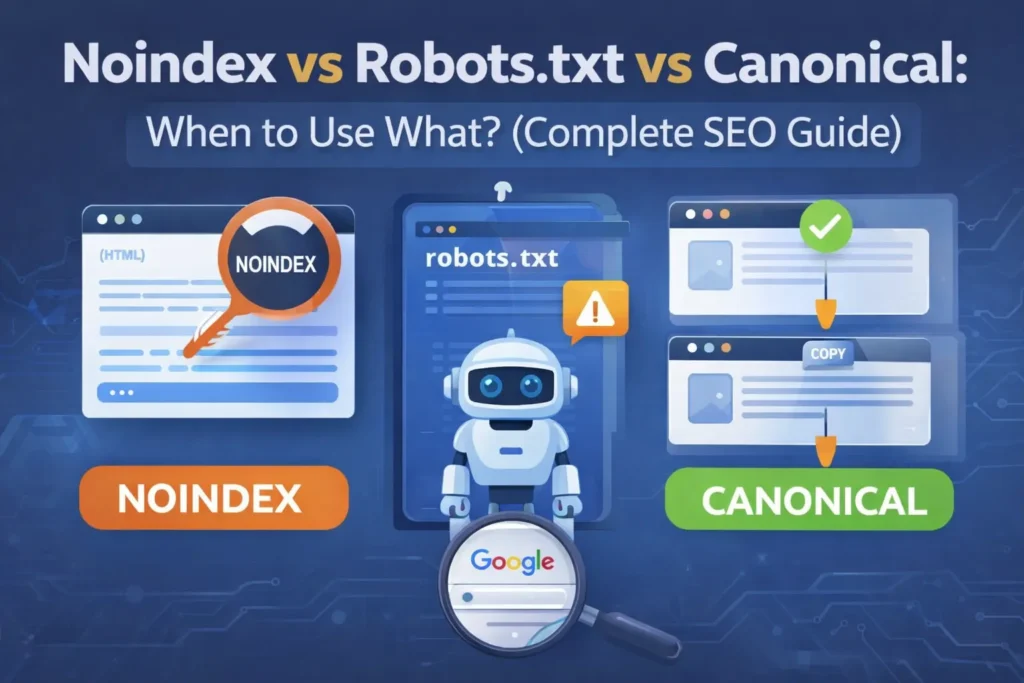
Noindex vs Robots.txt vs Canonical: When to Use What? (Complete SEO Guide)
Noindex vs Robots.txt vs Canonical is one of the most confusing topics in technical SEO. Remember, managing a website, controlling how search engines crawl, index and rank your pages is critical for long-term SEO success.
- Why some pages show up in Google while others don’t
- Whether you should use noindex, robots.txt or canonical tags
- Or how to fix duplicate content issues
This guide is for you.
In this article, we’ll clearly explain Noindex vs Robots.txt vs Canonical, when to use each one, common mistakes and best practices — in simple, beginner-friendly language.
Why These Three SEO Signals Matter?
Search engines like Google use multiple signals to decide:
- Which pages to crawl
- Which pages to index
- Which page version should rank
Noindex, robots.txt and canonical tags are not the same — and using the wrong one can silently damage your SEO.
Let’s break them down one by one.
What Is Noindex in SEO?
The noindex directive tells search engines:
“You may crawl this page, but do NOT show it in search results.”
How Noindex Works
- Google can still access the page
- Internal links can be followed
- Page content is NOT indexed
Common Ways to Apply Noindex
- Meta robots tag
- SEO plugins like Yoast or Rank Math
- HTTP headers (advanced use)
Best Use Cases of Noindex
Give noindex for pages that should not appear in search results.
- Should exist for users but not appear in Google
Examples:
- Thank You pages
- Login pages
- Cart / checkout pages
- Internal filter URLs
- Admin or utility pages
Normally, thank you pages and login pages should be noindexed.
When NOT to Use Noindex
- Important blog posts
- Category pages you want to rank
- Core service pages
⚠️ Important:
A noindexed page will eventually lose ranking power, even if it has backlinks.
However, noindex must be used carefully because it removes pages from indexing.
What Is Robots.txt and When to Use It in SEO
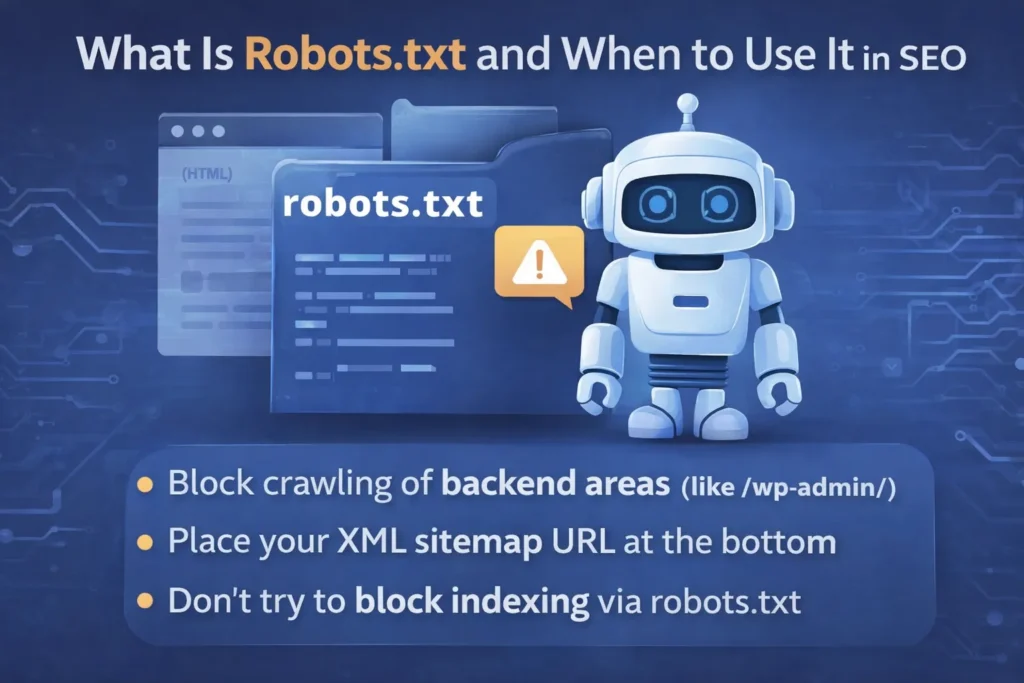
The robots.txt file is a small text file at the root of your website that tells search engine crawlers which parts of your site they can and cannot visit. It plays a critical role in controlling crawl budget and in preventing bots from wasting time on unnecessary or sensitive pages.
While robots.txt does not directly control indexing (search engines may still index URLs they cannot crawl), it does help manage how bots interact with your site — especially important for large sites or sites with admin, login, or system directories.
💡 For a deeper dive into how to optimize your WordPress robots.txt file for SEO and ensure bots crawl exactly what you want them to, see our full guide on Optimize WordPress Robots.txt for SEO (Complete Guide).
Summary of Best Practice
- Use robots.txt to block crawling of backend or system areas (such as
/wp-admin/) - Always include your XML sitemap URL at the bottom
- Do not block CSS or JavaScript directories — Google needs these to understand page layout and mobile usability
- Do not attempt to block indexing via robots.txt — use noindex instead
🚫 Big Mistake:
Blocking a page via robots.txt does NOT guarantee removal from Google.
What Is a Canonical Tag in SEO?
A canonical tag tells search engines which page is the preferred version among similar or duplicate pages.
In simple words:
“This is the main page. Rank this one.”
How Canonical Works
- Duplicate pages remain crawlable
- Ranking signals consolidate to canonical URL
- Prevents keyword cannibalization
Example of Canonical Tag
<link rel="canonical" href="https://example.com/main-page/" />
When to Use Canonical
Use canonical when:
- Multiple URLs show similar content
- URL parameters create duplicates
- Pagination exists
- HTTP vs HTTPS versions exist
When NOT to Use Canonical
- To hide pages completely
- On pages with unique content
- Instead of noindex for thin pages
Noindex vs Robots.txt vs Canonical: Key Differences
| Feature | Noindex | Robots.txt | Canonical |
|---|---|---|---|
| Controls crawling | ❌ | ✅ | ❌ |
| Controls indexing | ✅ | ❌ | ❌ |
| Handles duplicates | ❌ | ❌ | ✅ |
| Preserves SEO value | ❌ | ❌ | ✅ |
| Best used for | Hiding pages | Blocking crawl | Duplicate content |
The “Signals Priority” Hierarchy
The Hierarchy of SEO Signals: Hint vs. Command
Not all SEO signals are treated equally by Google. Understanding the “strength” of each helps you avoid ranking accidents:
- Noindex (The Command): This is a strict directive. If Google sees this, it must remove the page from the index.
- Robots.txt (The Request): This is a crawl instruction. While Google usually follows it, they may still index a URL if they find it via an external link without crawling the content.
- Canonical (The Suggestion): This is a “hint.” Google looks at your canonical tag, but they also look at your internal links and sitemaps. If those signals conflict, Google might ignore your canonical tag and choose a different URL.
Which One Should You Use? (Decision Guide)
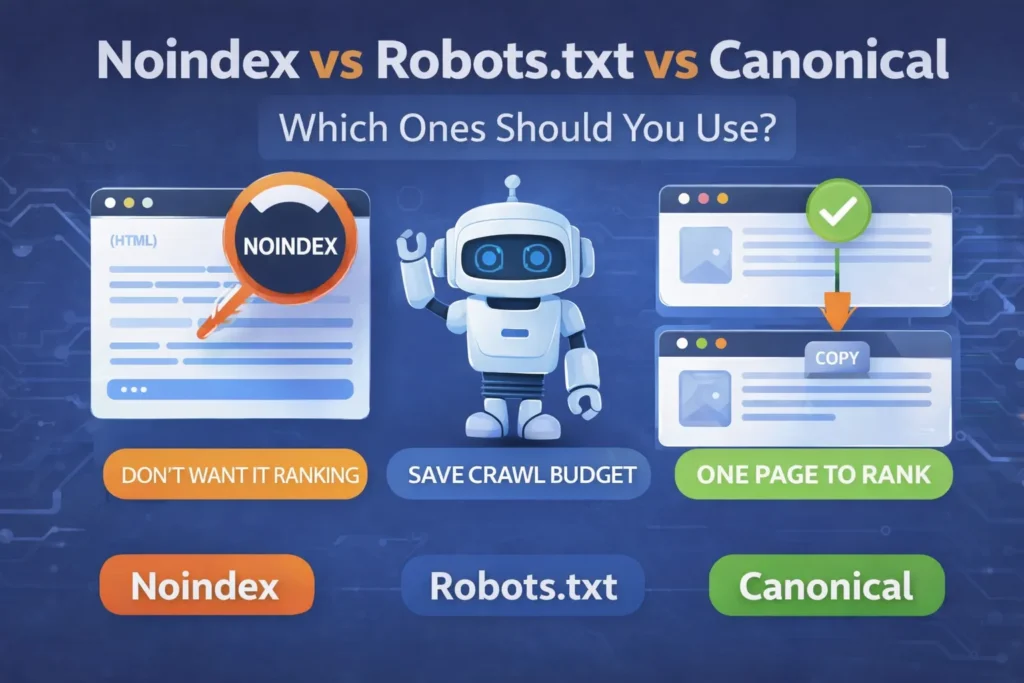
– Noindex if:
- Page is useful for users only
- You don’t want it ranking
– Robots.txt if:
- Page should not be crawled at all
- You want to save crawl budget
– Canonical if:
- Multiple pages exist for same content
- You want ONE page to rank
Common SEO Mistakes to Avoid
❌ Using robots.txt to remove indexed pages
❌ Noindexing important blog posts
❌ Canonicalizing to irrelevant URLs
❌ Blocking canonical URLs in robots.txt
❌ Mixing noindex + canonical incorrectly
Best Practices for WordPress Users
If you’re using WordPress:
- Use canonical tags by default
- Apply noindex to utility pages only
- Keep robots.txt clean and simple
- Always test using Google Search Console
Final Verdict: Which Is Best?
There is no single “best” option.
✔️ Use noindex to hide pages
✔️ Use robots.txt to control crawling
✔️ Use canonical to fix duplicate content
Using the right signal at the right time is what separates average SEO from professional SEO.
The “GSC Health Check”
How to Verify Your Signals in Google Search Console
After implementing these tags, you must verify them to ensure you haven’t accidentally blocked important content:
- Check for “Indexed, though blocked by robots.txt”: This means you blocked a page in robots.txt that Google already found elsewhere.
- Check “Excluded by ‘noindex’ tag”: Use this to confirm that only your intended pages (like Thank You or Login pages) are hidden.
- Check “Duplicate, Google chose different canonical than user”: This warning tells you that Google is ignoring your canonical hint because your internal signals are inconsistent.
Frequently Asked Questions (FAQs)
1. What is the safest option for duplicate content?
Canonical tags are the safest and Google-recommended solution.
2. Can I use noindex and canonical together?
Yes, but only in special cases. Generally, avoid mixing them.
3. Does robots.txt remove pages from Google?
No. It only blocks crawling, not indexing.
4. Should thank you pages be noindexed?
Yes, thank you pages should usually be noindexed.
5. Which is better for SEO: noindex or canonical?
Canonical is better for SEO value preservation.
Conclusion
Understanding Noindex vs Robots.txt vs Canonical is essential for:
- Technical SEO
- Duplicate content control
- Better rankings
- Clean site architecture
When used correctly, these signals help Google understand your site better — and reward you with improved visibility.
By mastering the balance between these three signals, you ensure that search engine bots spend their time on your most valuable content rather than wasting resources on duplicates or system files.
Ultimately, this technical clarity builds a stronger foundation for your site’s authority and helps prevent common indexing errors that could hold back your rankings. Take a few minutes today to audit your site’s settings—it is the insurance policy your SEO strategy needs to succeed long-term.
Suggested Further Reading
- Optimize WordPress Robots.txt for SEO (Complete Guide)
- Sitemaps vs. Robots.txt: Which One Controls Your SEO? (Guide)
- Canonical URL Explained: The Complete Guide to Fix Duplicate Content
- How to Link GSC and GA4 for Advanced Data Insights
- Mastering Google Analytics 4: The Essential Strategy for Growth
- Rich Results Test Guide: How to Validate Schema and Fix All Errors
- Complete Guide to Google Business Profile and Local SEO Growth
- The Ideal Guide to Domain, Hosting and WordPress for Beginners
- The Ultimate Guide to Image SEO: Rank Higher and Load Faster