
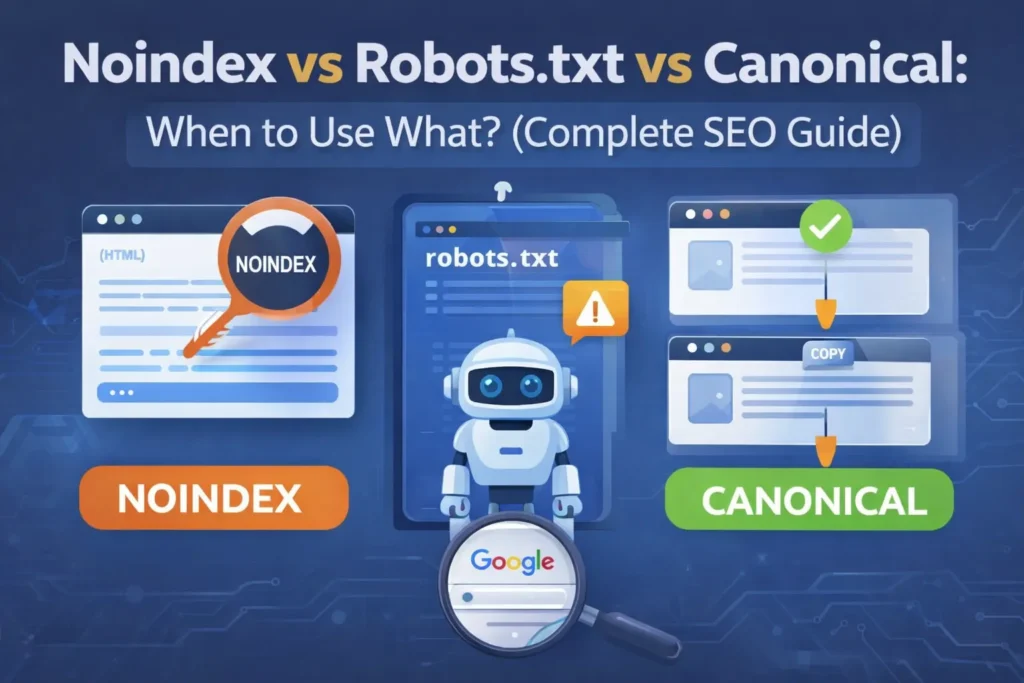
When working on SEO, many beginners get confused between noindex, robots.txt and canonical tags. They may seem similar, but each one serves a completely different purpose.
If you use the wrong one, your pages may not appear in search results, or worse — important pages might lose rankings.
In this guide, you’ll clearly understand:
- What each tag does
- When to use it
- Common mistakes to avoid
Let’s simplify it step by step.
- Why This Confuses Most Beginners
- What Is Noindex in SEO?
- Noindex vs Robots.txt vs Canonical: Key Differences
- The "Signals Priority" Hierarchy
- Which One Should You Use? (Decision Guide)
- The "GSC Health Check"
- Common SEO Mistakes to Avoid
- Final Verdict: Which Is Best?
- Frequently Asked Questions (FAQs)
- Conclusion
Why This Confuses Most Beginners
If you are new to SEO, it’s completely normal to get confused between noindex, robots.txt and canonical tags.
At first glance, they all seem to do the same thing — control how Google handles your pages.
But in reality, they work at different stages:
- robots.txt → controls crawling (can Google access the page?)
- noindex → controls indexing (should it appear in search results?)
- canonical → controls duplication (which version should rank?)
Think of it like this:
robots.txt = “Don’t enter this space”
noindex = “You can enter, but don’t show this space to others”
canonical = “This is the main space, ignore the copies”
Once you understand this difference, technical SEO becomes much easier.
Why These Three SEO Signals Matter?
Search engines like Google use multiple signals to decide:
- Which pages to crawl
- Which pages to index
- Which page version should rank
Understanding how these signals work together is essential for maintaining a healthy and well-optimized website.
However, noindex, robots.txt and canonical tags are not the same — and using the wrong one can silently damage your SEO.
Therefore, choosing the correct directive is essential to avoid indexing problems, wasted crawl budget, and ranking loss.
Let’s break them down one by one.
What Is Noindex in SEO?
The noindex directive acts as a firm instruction to search engines. Essentially, it tells them: “You are welcome to crawl this page, but please do not include it in your public search results.”
How the Noindex Signal Operates:
- Crawlability: Google can still access and read the page code.
- Link Equity: Internal links on the page can still be followed by bots.
- Visibility: The page is strictly excluded from the search index.
Furthermore, you should apply noindex to pages that are useful for your visitors but provide no value to a search user. For instance, thank you pages and login portals are perfect candidates for this tag.
⚠️ Important:
A noindexed page will eventually lose ranking power, even if it has backlinks.
However, noindex must be used carefully because it removes pages from indexing.
Real Example:
Let’s say you have a “Thank You” page after form submission.
Users need it, but you don’t want it in Google search.
This is where noindex is perfect — it allows access but keeps it out of search results.
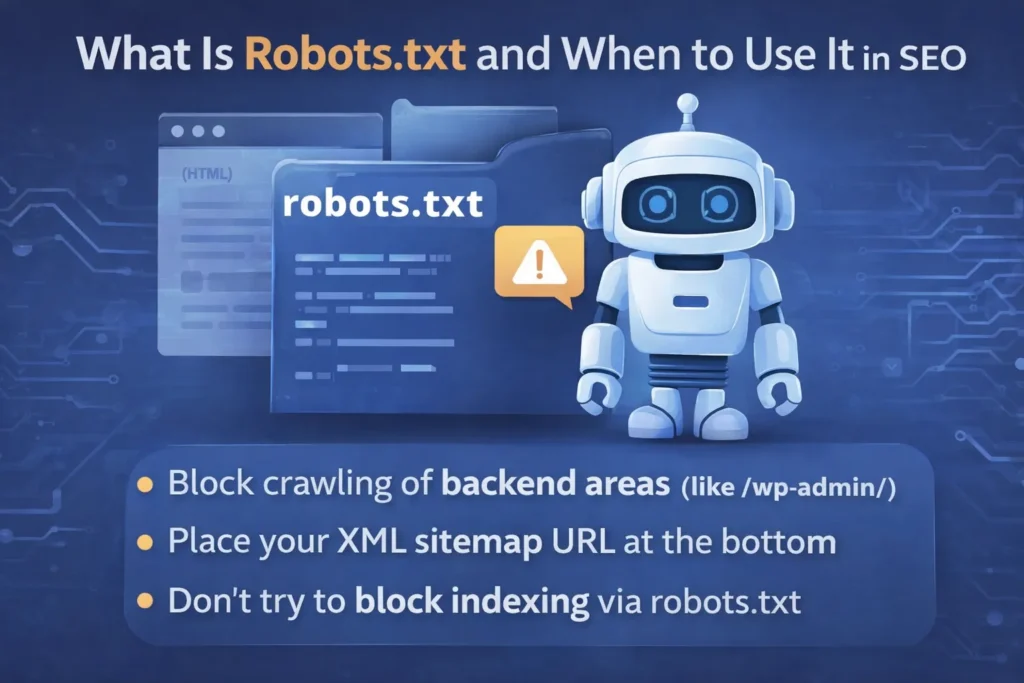
What Is Robots.txt and When to Use It in SEO
In simple terms, the robots.txt file is a small text file located at the root of your website that tells search engine crawlers which pages they can and cannot access.
While robots.txt does not directly control indexing (search engines may still index URLs they cannot crawl), it does help manage how bots interact with your site — especially important for large sites or sites with admin, login, or system directories.
💡 For a deeper dive into how to optimize your WordPress robots.txt file for SEO and ensure bots crawl exactly what you want them to, see our full guide on Optimize WordPress Robots.txt for SEO (Complete Guide).
Summary of Best Practice
- Use robots.txt to block crawling of backend or system areas (such as
/wp-admin/) - Always include your XML sitemap URL at the bottom
- Do not block CSS or JavaScript directories — Google needs these to understand page layout and mobile usability
- Do not attempt to block indexing via robots.txt — use noindex instead
🚫 Big Mistake:
Blocking a page via robots.txt does NOT guarantee removal from Google.
Real Example:
If you have admin pages like:
yourwebsite.com/wp-admin/
You don’t want Google to waste time crawling them.
So you block them using robots.txt.
But remember — this does NOT guarantee the page won’t appear in search results.
What Is a Canonical Tag in SEO?
A canonical tag tells search engines which page is the preferred version among similar or duplicate pages.
In simple words, it tells search engines that this is the preferred version of the page that should be ranked.
How Canonical Works
- Duplicate pages remain crawlable
- Ranking signals consolidate to canonical URL
- Prevents keyword cannibalization
Example of Canonical Tag
<link rel="canonical" href="https://example.com/main-page/" />
When to Use Canonical
Use canonical when:
- Multiple URLs show similar content
- URL parameters create duplicates
- Pagination exists
- HTTP vs HTTPS versions exist
When NOT to Use Canonical
- To hide pages completely
- On pages with unique content
- Instead of noindex for thin pages
Real Example:
Imagine you have the same product page:
/product/shoes
/product/shoes?color=black
/product/shoes?sort=price
These are duplicate pages.
Using canonical tells Google:
👉 “Only rank the main version”
Noindex vs Robots.txt vs Canonical: Key Differences
| Feature | Noindex | Robots.txt | Canonical |
|---|---|---|---|
| Controls crawling | ❌ | ✅ | ❌ |
| Controls indexing | ✅ | ❌ | ❌ |
| Handles duplicates | ❌ | ❌ | ✅ |
| Preserves SEO value | ❌ | ❌ | ✅ |
| Best used for | Hiding pages | Blocking crawl | Duplicate content |
When to Use What (Simple Guide)
From practical experience, many indexing issues happen due to incorrect use of these tags — especially mixing robots.txt with noindex.
Let’s simplify this with real examples:
- Use noindex when a page should exist but not appear in search results
Example: Thank-you page after form submission - Use robots.txt when you don’t want search engines to crawl certain sections
Example: Admin panel or private directories - Use canonical when multiple URLs have similar or duplicate content
Example: Product pages with filters or tracking parameters
In short, each tool solves a different problem, so using the right one matters more than using all of them together.
👉 Quick Rule:
- Want to hide page from Google? → noindex
- Want to stop crawling? → robots.txt
- Want to fix duplicate content? → canonical
The “Signals Priority” Hierarchy
The Hierarchy of SEO Signals: Strict Directives vs. Suggestions
Not all SEO signals are treated equally by search algorithms. Understanding the “strength” of each helps you avoid ranking accidents:
- Noindex (The Strict Directive): This is a mandatory command. Once detected, Google must remove the page from the index.
- Robots.txt (The Crawl Boundary): This acts as a boundary map for bots. While Google generally respects these boundaries, they may still index a URL if it is discovered through an external link.
- Canonical (The Preferred Path): Think of this as a strong suggestion. Google reviews your canonical tag alongside your sitemap and internal links. However, if these signals conflict, the algorithm may ignore your tag and choose a different URL itself.
Which One Should You Use? (Decision Guide)
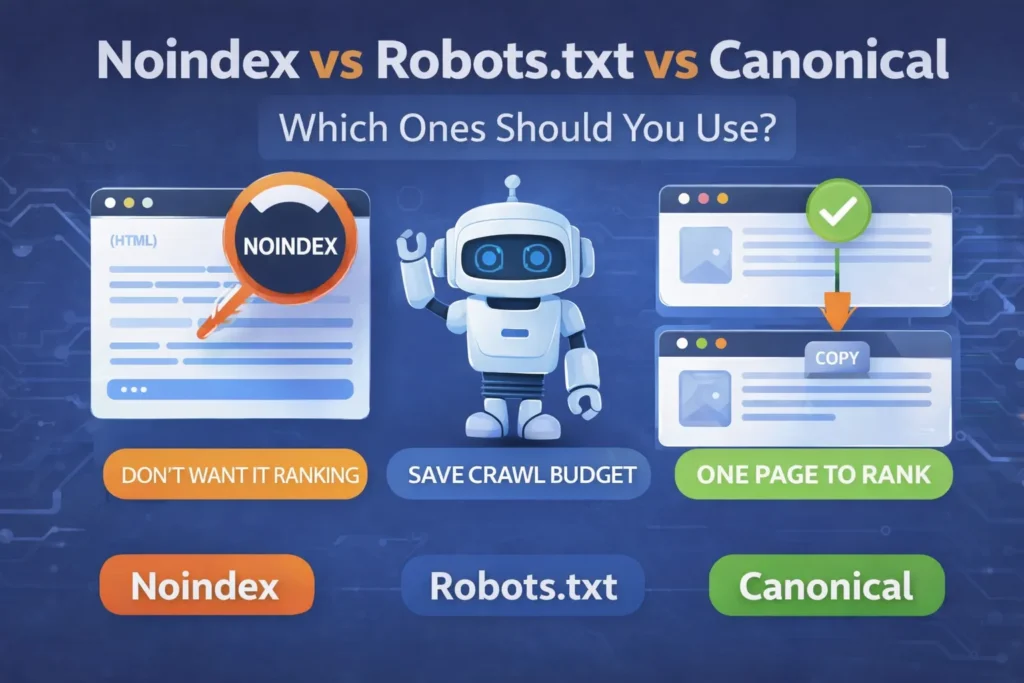
– Noindex if:
- Page is useful for users only
- You don’t want it ranking
– Robots.txt if:
- Page should not be crawled at all
- You want to save crawl budget
– Canonical if:
- Multiple pages exist for same content
- You want ONE page to rank
Best Practices for WordPress Users
If you’re using WordPress:
- Use canonical tags by default
- Apply noindex to utility pages only
- Keep robots.txt clean and simple
- Always test using Google Search Console
👉 Tip: Always double-check your settings after plugin updates, as SEO configurations can sometimes reset.
The “GSC Health Check”
How to Verify Your Signals in Google Search Console
After implementing these tags, you must verify them to ensure you haven’t accidentally blocked important content:
- Check for “Indexed, though blocked by robots.txt”: This means you blocked a page in robots.txt that Google already found elsewhere.
- Check “Excluded by ‘noindex’ tag”: Use this to confirm that only your intended pages (like Thank You or Login pages) are hidden.
- Check “Duplicate, Google chose different canonical than user”: This warning tells you that Google is ignoring your canonical hint because your internal signals are inconsistent.
Common SEO Mistakes to Avoid
Many website owners mix these directives incorrectly, which can harm SEO.
- Using noindex with robots.txt disallow — search engines cannot see the noindex tag
- Using canonical on blocked pages — it will be ignored
- Using all three together without purpose — creates confusion
The best approach is to use one clear directive based on your goal, instead of combining multiple signals.
👉 Pro Tip: Always test your URLs in Google Search Console before applying changes.
Final Verdict: Which Is Best?
In summary, there is no single “best” option.
✔️ Use noindex to hide pages
✔️ Use robots.txt to control crawling
✔️ Use canonical to fix duplicate content
Using the right method at the right time can make a big difference in how your site performs in search results.
Frequently Asked Questions (FAQs)
1. What is the safest option for duplicate content?
Canonical tags are generally the safest and most recommended solution because they help consolidate ranking signals without removing pages.
2. Can I use noindex and canonical together?
Yes, but only in special cases. Generally, avoid mixing them.
3. Does robots.txt remove pages from Google?
No. It only blocks crawling, not indexing.
4. Should thank you pages be noindexed?
Yes, thank you pages should usually be noindexed.
5. Which is better for SEO: noindex or canonical?
Canonical is better for SEO value preservation.
Conclusion
Technical SEO may seem confusing at first, especially when dealing with noindex, robots.txt and canonical tags. However, each serves a clear and specific purpose. Instead of using them randomly, focus on selecting the right method based on your goal.
When applied correctly, these signals not only help search engines understand your website better but also prevent common SEO mistakes that can affect rankings. In the long run, mastering these fundamentals gives you better control over how your content appears in search results.
By applying these techniques correctly, you not only improve SEO performance but also ensure long-term website stability.
To further improve your SEO performance, also check:
Suggested Further Reading
- Optimize WordPress Robots.txt for SEO (Complete Guide)
- Sitemaps vs. Robots.txt: Which One Controls Your SEO? (Guide)
- Canonical URL Explained: The Complete Guide to Fix Duplicate Content
- How to Link GSC and GA4 for Advanced Data Insights
- Mastering Google Analytics 4: The Essential Strategy for Growth
- Rich Results Test Guide: How to Validate Schema and Fix All Errors
- Complete Guide to Google Business Profile and Local SEO Growth
- The Ideal Guide to Domain, Hosting and WordPress for Beginners
- The Ultimate Guide to Image SEO: Rank Higher and Load Faster
✍️ About the Author
Digital Smart Guide is dedicated to simplifying SEO and digital marketing for beginners and professionals.
We share practical, easy-to-understand strategies based on real experience and ongoing learning from Google updates.
Disclaimer
This content is for informational purposes only. Results may vary based on your niche, competition, and implementation. Always apply strategies based on your specific needs.